Authenticator app setuptwo-factor-setup-authenticator
Use in Plus UI
npx shadcn@latest add https://blocks.plusui.com/r/two-factor-setup-authenticator.jsonAuth · 14 variants
← → to step through · + on a thumbnail to compare side by side (up to 3)
‹
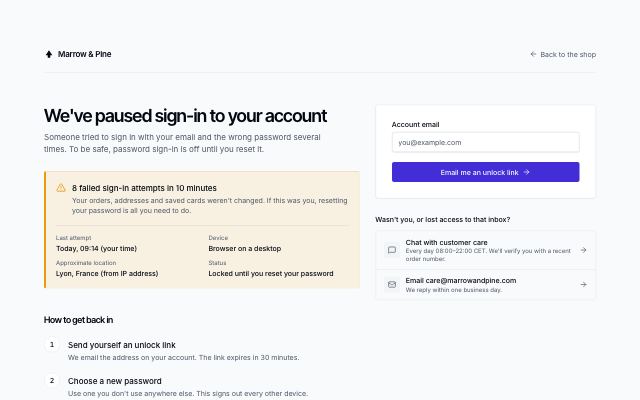 Locked account recovery+
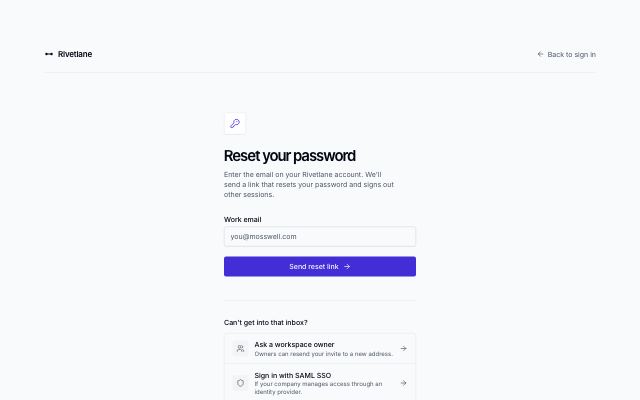 Forgot password request+
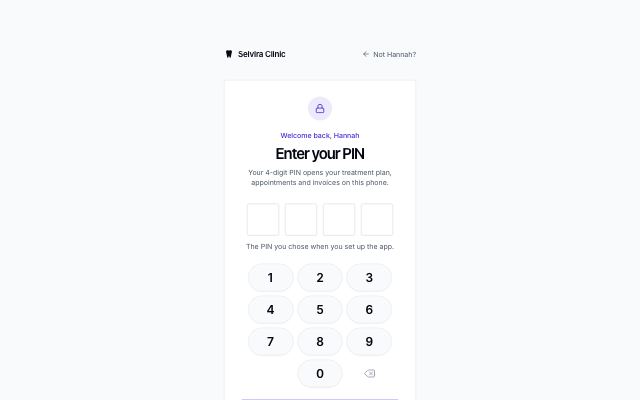 Four-digit PIN+
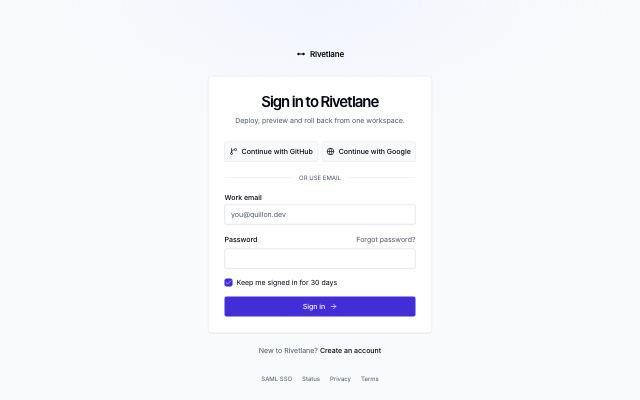 Sign-in card+
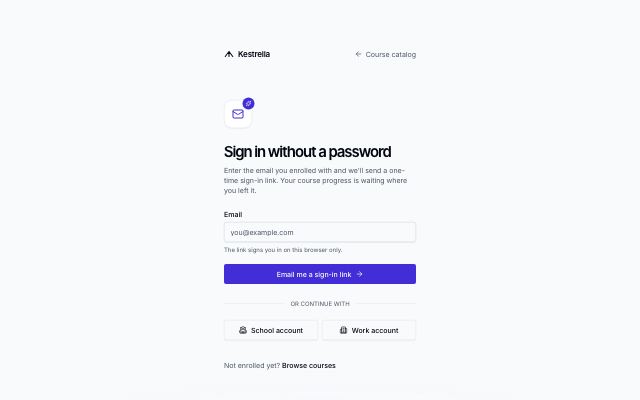 Magic-link sign-in+
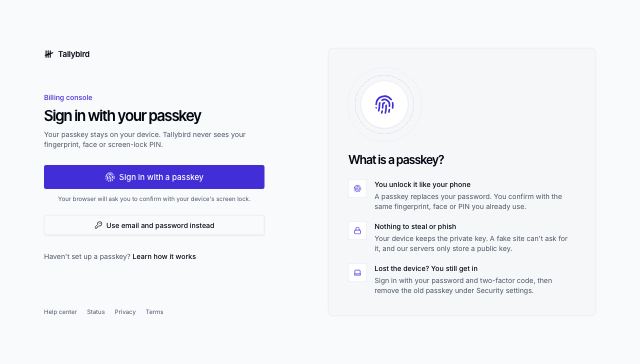 Passkey sign-in+
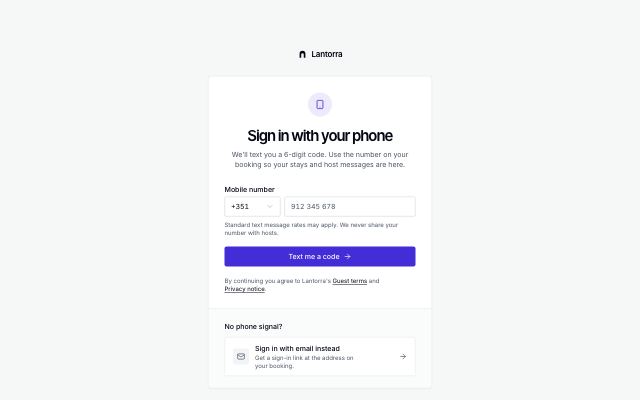 Phone sign-in with code+
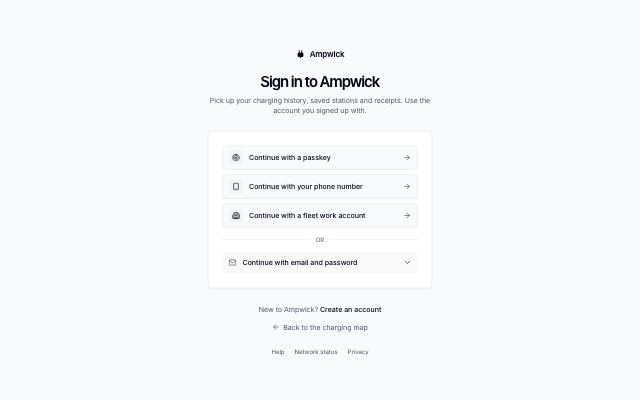 Provider-first sign-in+
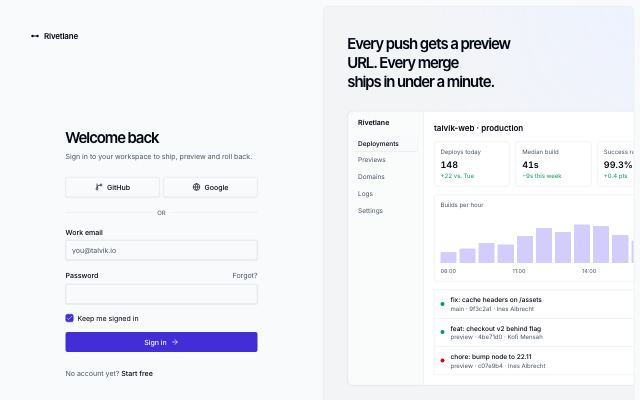 Split sign-in with brand panel+
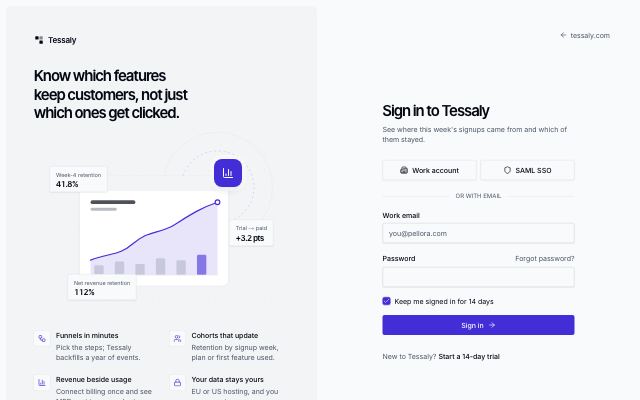 Split sign-in with illustration+
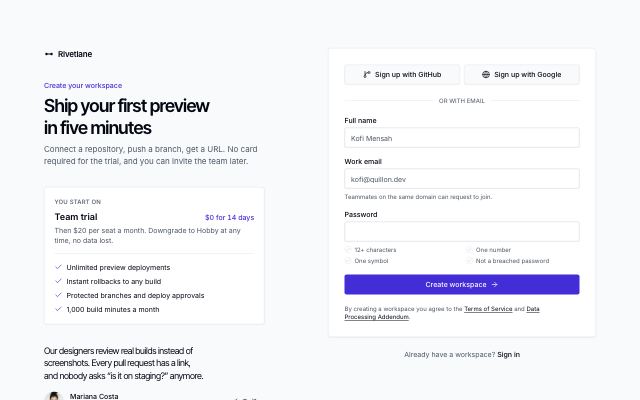 Sign-up form with plan hint+
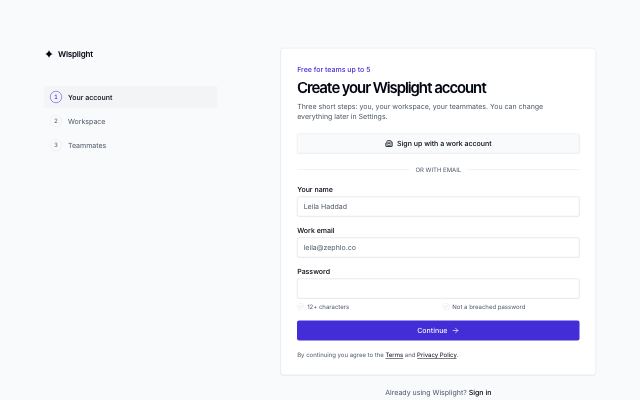 Multi-step sign-up+
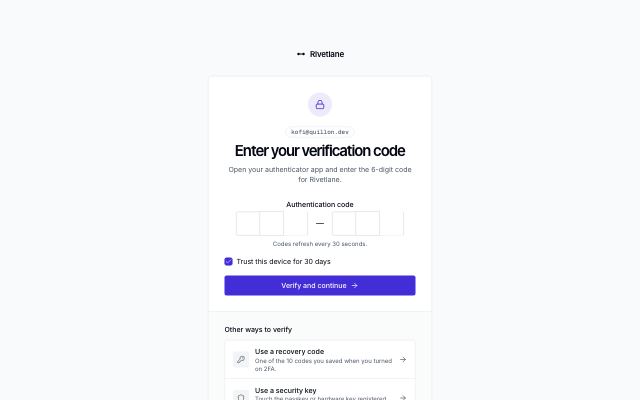 Two-factor code+
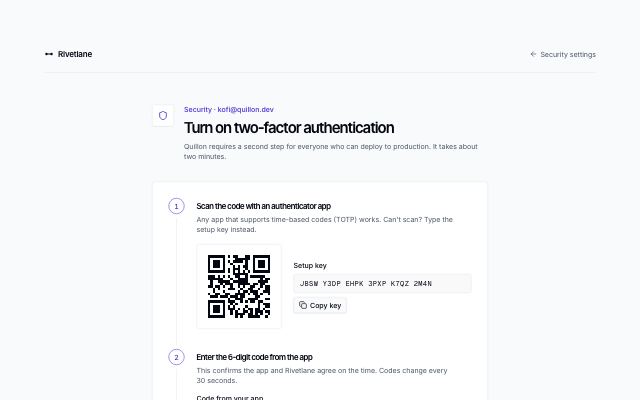 Authenticator app setup
/preview/two-factor-setup-authenticator
Open ↗Default content
{
  "brand": "rivetlane",
  "brandHref": "#",
  "eyebrow": "Security · [email protected]",
  "title": "Turn on two-factor authentication",
  "description": "Quillon requires a second step for everyone who can deploy to production. It takes about two minutes.",
  "fields": [],
  "setup": {
    "steps": [
      {
        "title": "Scan the code with an authenticator app",
        "description": "Any app that supports time-based codes (TOTP) works. Can't scan? Type the setup key instead."
      },
      {
        "title": "Enter the 6-digit code from the app",
        "description": "This confirms the app and Rivetlane agree on the time. Codes change every 30 seconds."
      },
      {
        "title": "Save your recovery codes",
        "description": "Shown once you've confirmed a code. They're your way in if you lose your phone."
      }
    ],
    "qr": {
      "value": "otpauth://totp/Rivetlane:[email protected]?issuer=Rivetlane",
      "label": "Setup code for an authenticator app (sample)"
    },
    "manualKey": {
      "label": "Setup key",
      "value": "JBSW Y3DP EHPK 3PXP K7QZ 2M4N",
      "copyLabel": "Copy key",
      "copiedLabel": "Copied"
    },
    "recovery": {
      "title": "Save your recovery codes",
      "description": "Each code works once. Store them in a password manager or print them; we can't show them again. Generating new codes cancels these.",
      "codes": [
        "7f3k-9q2m",
        "a8d2-4xw1",
        "m5n7-c0pe",
        "q2r8-h6tz",
        "x4v1-b9ks",
        "e6j3-p7yd",
        "t9w5-l2fa",
        "c1g8-r4nm",
        "h7u2-s5qb",
        "z3k6-d8vc"
      ],
      "downloadLabel": "Download .txt",
      "copyLabel": "Copy all",
      "copiedLabel": "Copied",
      "fileName": "rivetlane-recovery-codes.txt",
      "doneLabel": "I've saved them",
      "doneHref": "#"
    }
  },
  "code": {
    "label": "Code from your app",
    "length": 6
  },
  "submitLabel": "Verify code",
  "alternatives": {
    "title": "Prefer another method?",
    "items": [
      {
        "icon": "fingerprint",
        "label": "Use a passkey or security key",
        "description": "Register a hardware key or your device's passkey instead.",
        "href": "#"
      }
    ]
  },
  "back": {
    "label": "Security settings",
    "href": "#"
  },
  "footer": [
    {
      "label": "Help center",
      "href": "#"
    },
    {
      "label": "Status",
      "href": "#"
    },
    {
      "label": "Privacy",
      "href": "#"
    }
  ]
}